
AI Video Generator Free 2026: No Watermark, No Sign-Up & Veo 3 Picks
Compare free AI video generators for 2026, including Veo 3, Seedance, Kling, no-watermark options, no-sign-up access, limits, and best use cases.
River · 25 min read · Aug 20, 2025
Video creation has traditionally been a complex, time-consuming process reserved for those with technical skills and expensive software. That era is over. A new wave of AI-powered tools is democratizing video production, allowing anyone to transform simple text prompts or static images into dynamic, engaging video content in minutes.
Quick Answer: Yes—free ai video tools are available in 2025. Most platforms offer free tiers with limited monthly credits or generations. For regular use, paid plans starting around $10–$30/month unlock higher resolution, longer videos, and faster processing.
But with an explosion of new platforms, how do you find a reliable and truly capable AI video generator free of charge? This guide cuts through the noise. We've meticulously reviewed the top platforms that offer robust free tiers, analyzing their practical use cases, hidden limitations, and true creative potential.
Whether you're a marketer needing quick social media ads, an educator creating learning modules, or a creator exploring new visual storytelling methods, this resource is designed to help you select the perfect tool. Each entry includes direct links and analysis to help you find the right fit to bring your vision to life, without the steep learning curve or high cost. We will dive into the specific features of tools like Runway, Pika, and Luma AI's Dream Machine, helping you understand their strengths for different projects.
1. Veo3 AI
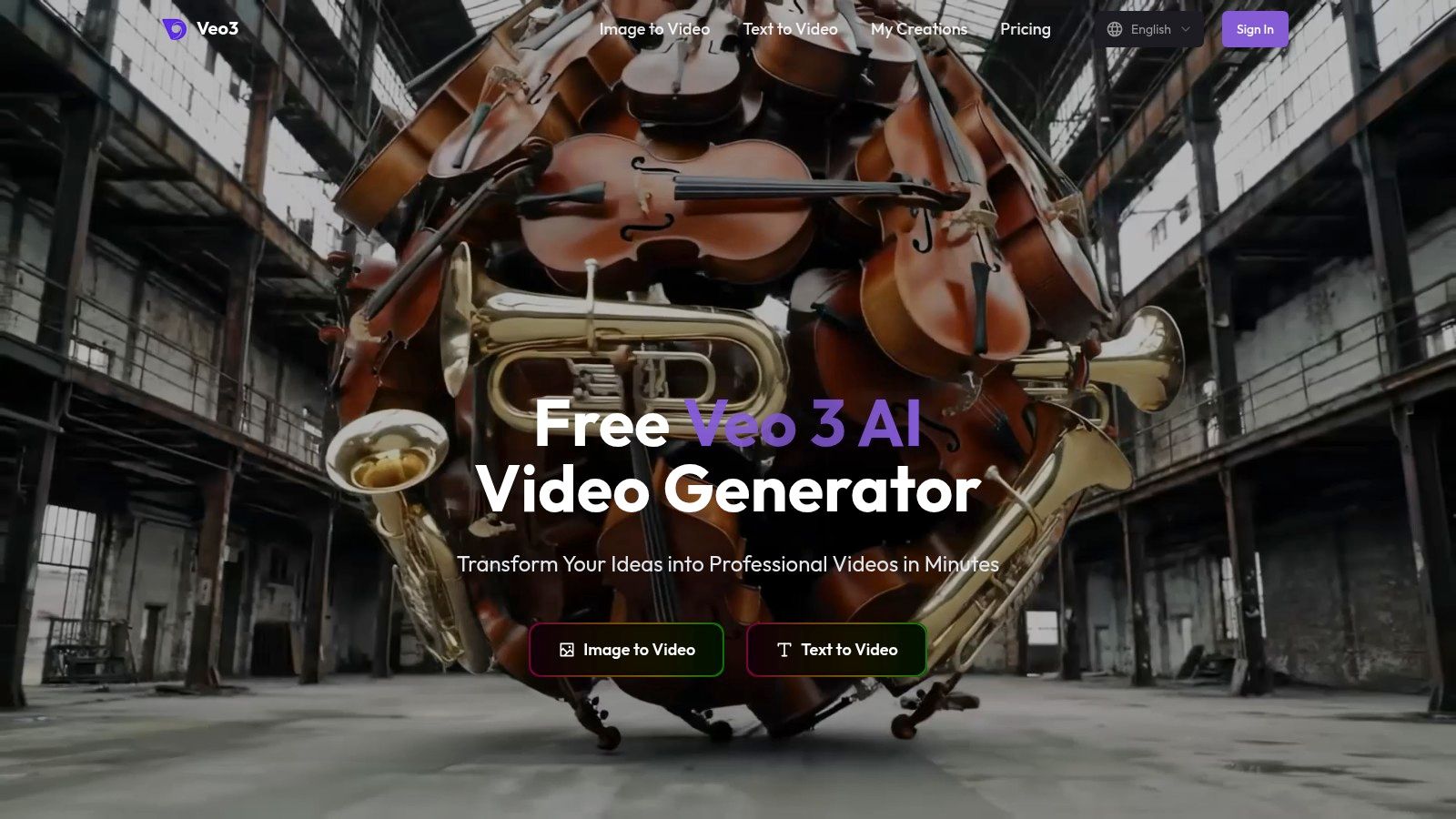
Veo3 AI establishes itself as a premier ai video generator free of charge, offering a sophisticated yet remarkably accessible platform. It uniquely consolidates three powerful generative models (Veo3, Seedance, and Wan2.2) into a single, intuitive interface. This integrated approach removes the complexity of using multiple tools, allowing creators to seamlessly transform simple text prompts or static images into dynamic, professional-grade videos.
The platform is engineered for efficiency and creative freedom. Users can generate content quickly, select a preferred visual style, and then fine-tune their creations with customizable resolution and format settings, making it a versatile tool for both rapid prototyping and polished final productions.
Key Strengths and Use Cases
Veo3 AI's standout feature is its powerful, multi-model engine offered entirely for free. This gives creators access to top-tier generative technology without a paywall, a significant advantage over competitors. The platform also guarantees full content ownership, empowering users to monetize their creations without restrictions.
Ideal Use Cases:
- Digital Marketers: Quickly produce engaging promotional videos for ad campaigns.
- Social Media Influencers: Create viral-ready short-form content for TikTok, Instagram Reels, and YouTube Shorts.
- Educators: Develop animated instructional materials to simplify complex topics.
- Small Businesses: Showcase products with compelling visuals to drive sales.
Platform Breakdown
| Feature | Details |
|---|---|
| Pricing | Completely Free: No hidden costs or subscription tiers. Full access to all features without charge. |
| Core Technology | Integrates Veo3, Seedance, and Wan2.2 generative AI models for high-quality, diverse video outputs. |
| Inputs | Text-to-Video and Image-to-Video generation. |
| Customization | Adjustable resolution, aspect ratio, and format settings to fit various platform requirements. |
| Content Rights | Full Ownership: Creators retain 100% commercial and personal rights to their videos. |
| User Experience | Clean, straightforward interface designed for users of all skill levels. Minimal learning curve required to start creating. You can explore its text-to-video capabilities here. |
Pros:
- Free, all-in-one platform integrating multiple high-end generative models.
- User-friendly interface allows for rapid creation from text or images.
- Highly customizable output with adjustable resolution and format settings.
- Fast rendering supports both quick prototypes and final versions.
- Guaranteed content ownership with full commercial usage rights.
Cons:
- As a newer tool, it may lack some niche, complex features of established video editing suites.
- Advanced customization options might require a brief learning period for new users.
Website: https://veo3ai.io
2. Runway (Gen-3/Gen-4)
Runway stands out as a professional-grade, browser-based AI video generator free for initial use, renowned for its cutting-edge models like Gen-3 Alpha. It excels in creating high-fidelity, coherent video clips from simple text prompts or existing images, making it a top choice for artists, filmmakers, and marketing professionals who require cinematic quality. The platform’s strength lies in its comprehensive suite of creative tools integrated directly within a robust video editor.
Key Features and User Experience
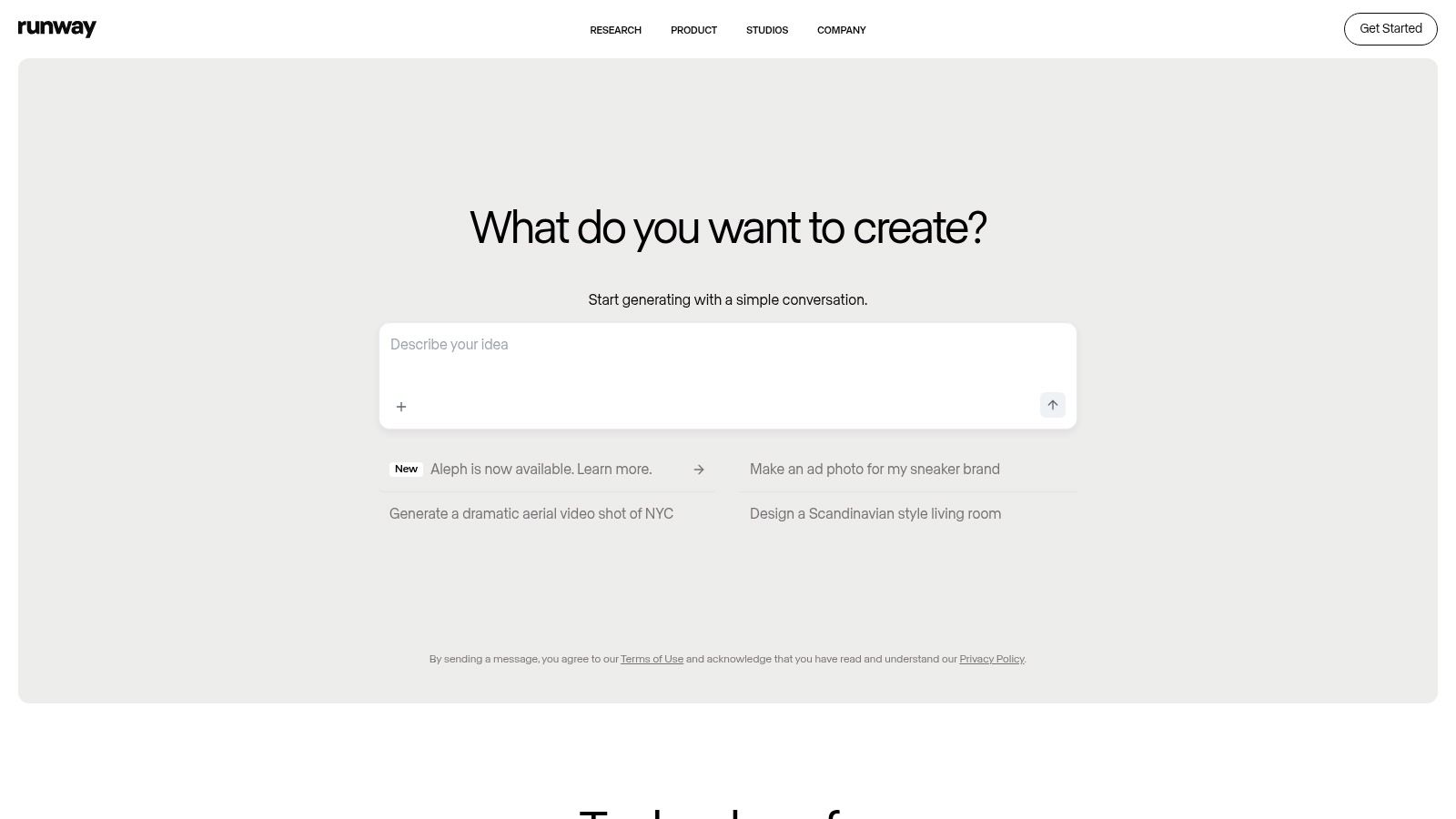
Runway’s user interface is clean and sophisticated, catering to both beginners and advanced users. The free tier offers a starting pool of credits to experiment with text-to-video and image-to-video generation, though outputs include a watermark. One of its unique offerings is the detailed control it provides over video generation, including camera motion controls and style presets.
- Generation Models: Access to the powerful Gen-3 Alpha model for text-to-video and image-to-video.
- Credit System: The free plan includes a set amount of credits; paid plans start at $12/month for more credits and features like watermark removal.
- Use Cases: Ideal for creating short, artistic film clips, dynamic B-roll for marketing videos, and experimental visual content for social media.
- Limitations: Free generations are limited in length (typically 5-10 seconds per clip) and quantity, requiring an upgrade for any substantial projects.
Website: https://runwayml.com
3. Pika (Pika.art)
Pika has rapidly gained popularity as a user-friendly and highly accessible ai video generator free for both casual creators and professionals. It shines by offering a generous free tier that includes no-watermark downloads and rights for commercial use, a rare combination in this space. Pika specializes in turning text prompts and static images into dynamic, short video clips, enhanced by a powerful suite of in-app creative tools for modifying and expanding generated content.
Key Features and User Experience
Pika’s interface is clean and intuitive, making it easy for beginners to start generating videos immediately. The free plan provides an initial set of credits to explore its capabilities, which include text-to-video, image-to-video, and video-to-video transformations. A standout feature is its creative toolkit, allowing users to modify specific regions of a video, extend its duration, or change the aspect ratio seamlessly.
- Creative Toolkit: Features like Modify Region, Expand Canvas, and Add 4s allow for granular control over the final video output.
- Credit System: A free tier offers starting credits, with paid plans available for more frequent users. Credits do not roll over monthly.
- Use Cases: Excellent for creating engaging social media content, animated memes, product visualizations, and quick conceptual storyboards.
- Limitations: Video clips are limited to a few seconds in length per generation, and the free credits can be used up quickly, necessitating a paid plan for larger projects.
Website: https://pika.art
4. Luma AI — Dream Machine
Luma AI’s Dream Machine has rapidly gained attention as a powerful AI video generator, notable for its high-quality, fluid motion and realistic outputs. While its free tier is limited to image generation, it provides a crucial entry point to its ecosystem. The platform shines in its text-to-video and image-to-video capabilities, leveraging its proprietary Ray2 model to produce cinematic 5-second clips that are ideal for social media, conceptual art, and dynamic marketing snippets.
Key Features and User Experience
The platform offers a clean, straightforward interface on both web and its iOS app, making it accessible for quick generations. Although the free plan doesn't include video, its paid tiers are structured with transparent credit pricing based on video duration and resolution. This model allows users to precisely calculate costs. Luma AI excels at transforming static images into compelling video, a feature that distinguishes it from many competitors. To understand more about this process, you can find helpful resources that explain how to generate video from images with AI.
- Generation Models: Powered by the proprietary Ray2 model for high-quality text-to-video and video-to-video generation.
- Credit System: Paid plans start at the Lite tier, with transparent credit usage for video generation and options for top-ups.
- Use Cases: Best for creating short, visually stunning clips for social media, transforming photos into animations, and producing B-roll for larger video projects.
- Limitations: The free plan is restricted to image generation only; video creation requires a paid subscription. Generated clips are currently limited in duration.
Website: https://lumalabs.ai/dream-machine
5. Kapwing — AI Video Generator
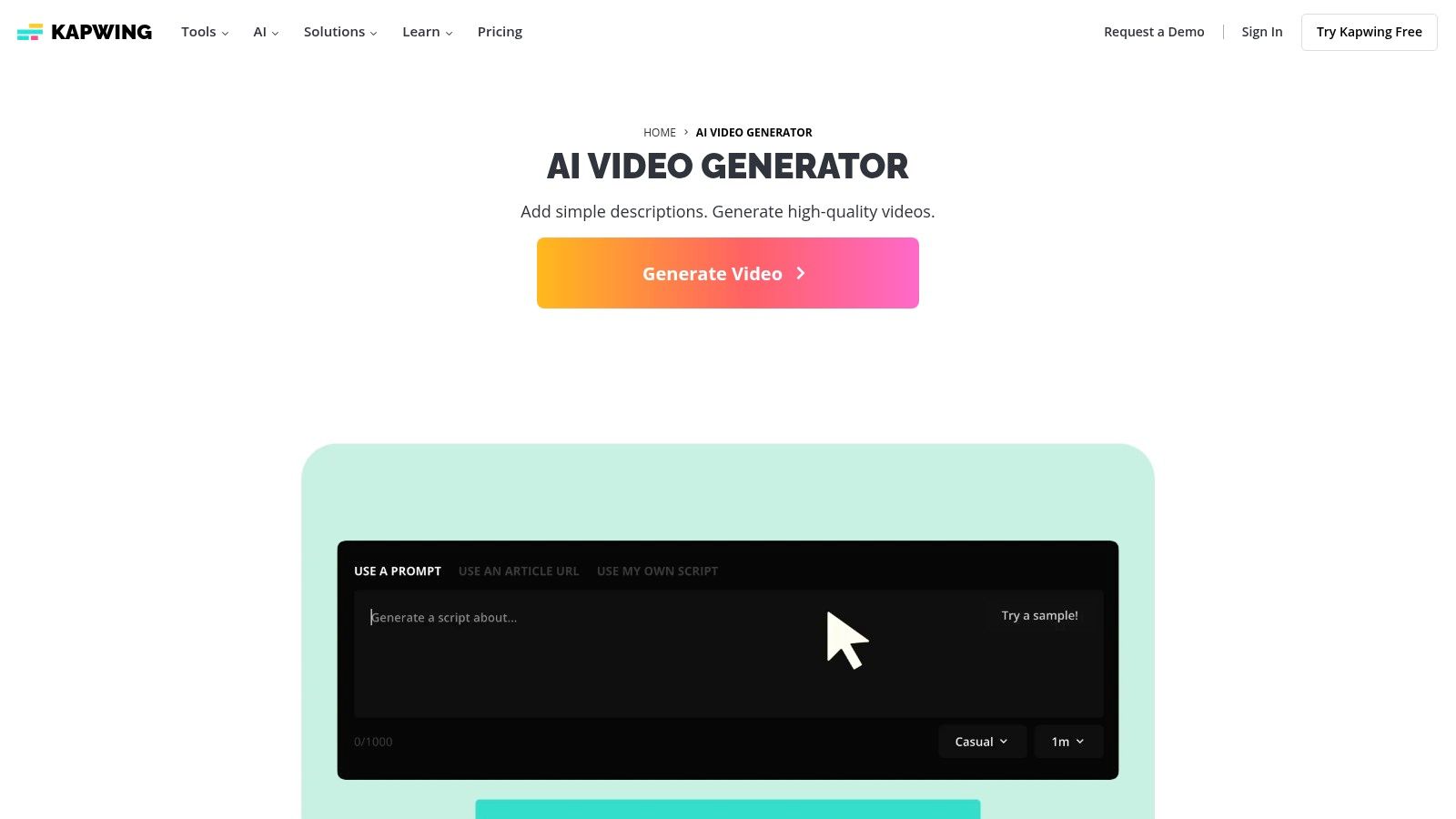
Kapwing integrates a user-friendly AI video generator directly into its comprehensive, browser-based collaborative editing suite. It stands out by simplifying the content creation workflow, allowing users to generate video from a text prompt and then immediately refine it with a full array of editing tools like text overlays, transitions, and audio tracks. This makes it an excellent all-in-one platform for social media managers and marketing teams who need to produce polished videos quickly without switching between different applications.
Key Features and User Experience
Kapwing’s interface is clean and intuitive, designed for quick adoption by users of all skill levels. The platform's free tier is notably generous, offering the ability to export videos up to four minutes long, which is longer than many competitors. While these free exports are watermarked, it provides ample opportunity to test the AI generator and the full editor. The collaborative features are a key strength, allowing teams to work together on projects in real-time.
- All-in-One Editor: Combines AI video generation with a full suite of traditional video editing tools, including templates, subtitles, and stock media.
- Generous Free Plan: Allows exports up to 4 minutes in 720p resolution, with a watermark. Paid plans start at $16/month for watermark removal and higher resolution exports.
- Use Cases: Perfect for creating social media content, marketing shorts, educational videos, and quick promotional materials where both generation and editing are needed.
- Limitations: The free plan's watermark is a significant drawback for professional use, and advanced AI features or 4K exports require a Pro subscription.
Website: https://www.kapwing.com/ai-video-generator
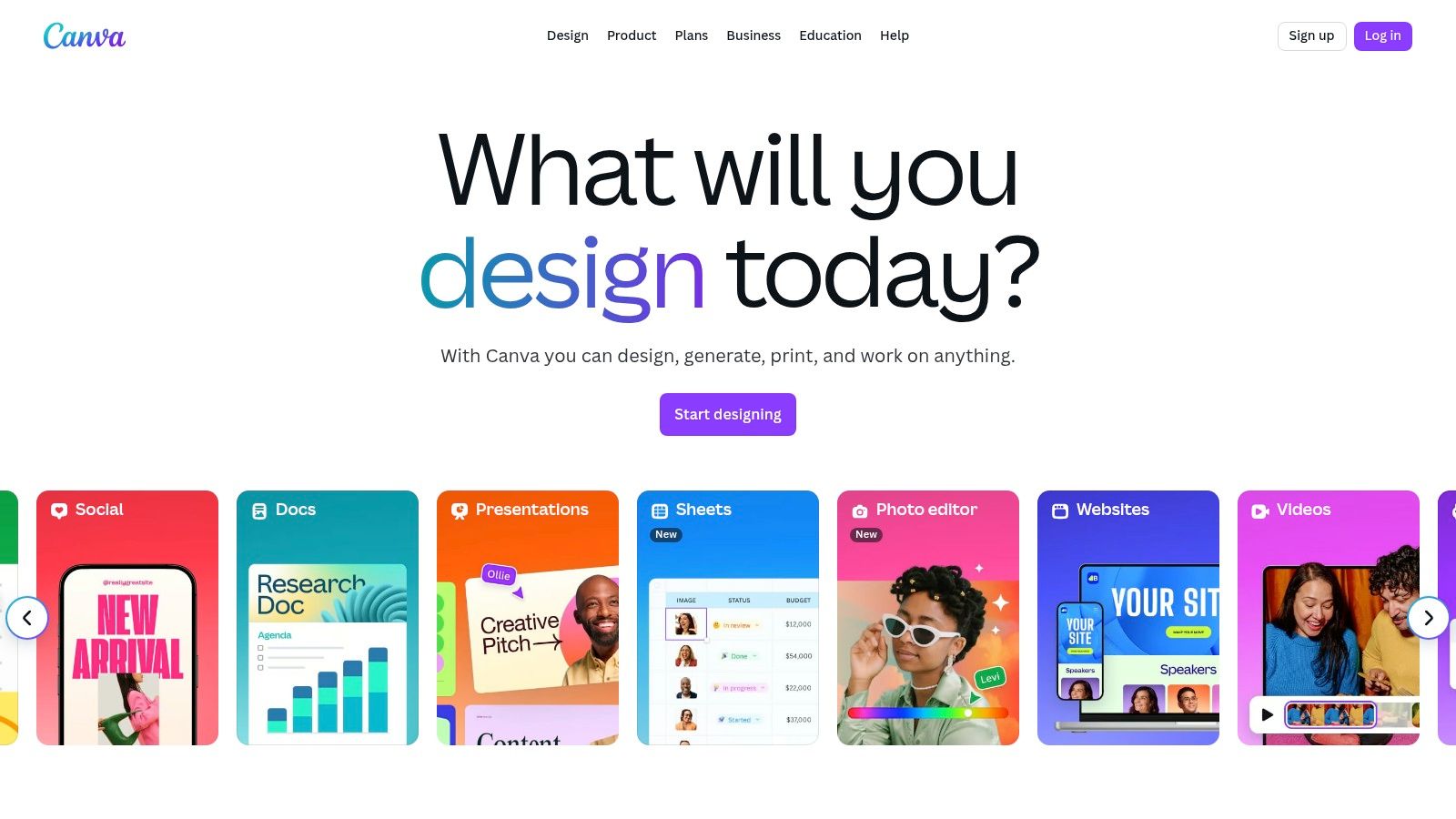
6. Canva — Create a Video Clip (Veo 3)
Canva integrates AI video generation directly into its widely-used design ecosystem, making it a powerhouse for marketing and social media teams. Powered by Google's advanced Veo 3 model, the feature allows users to generate 8-second AI clips from text prompts, complete with synchronized audio. Its primary strength is the seamless workflow that lets you create a video clip and immediately transition it into Canva’s robust video editor for branding, resizing, and publishing.
Key Features and User Experience
The integration within Canva’s Magic Studio means the user experience is familiar and intuitive for existing users. While not an entirely free AI video generator, the feature is bundled with paid plans, offering a limited number of generations per month. The process is designed for efficiency; generate a clip, add it to your timeline, apply your brand kit, and export for any social platform. This makes it ideal for teams needing to produce on-brand video content quickly.
- Generation Model: Utilizes Google's Veo 3 for high-quality, 8-second clips with audio. You can find more details on how to use Google Veo in this comprehensive guide.
- Pricing: Included in Canva Pro and Teams plans, starting with an initial cap of 5 video generations per month.
- Use Cases: Perfect for creating unique social media posts, promotional video intros, and dynamic B-roll that aligns with existing brand assets.
- Limitations: The feature is currently locked behind a paid subscription (Pro, Teams, or Enterprise) and is not available on the free plan, with a monthly generation limit.
Website: https://www.canva.com
7. HeyGen
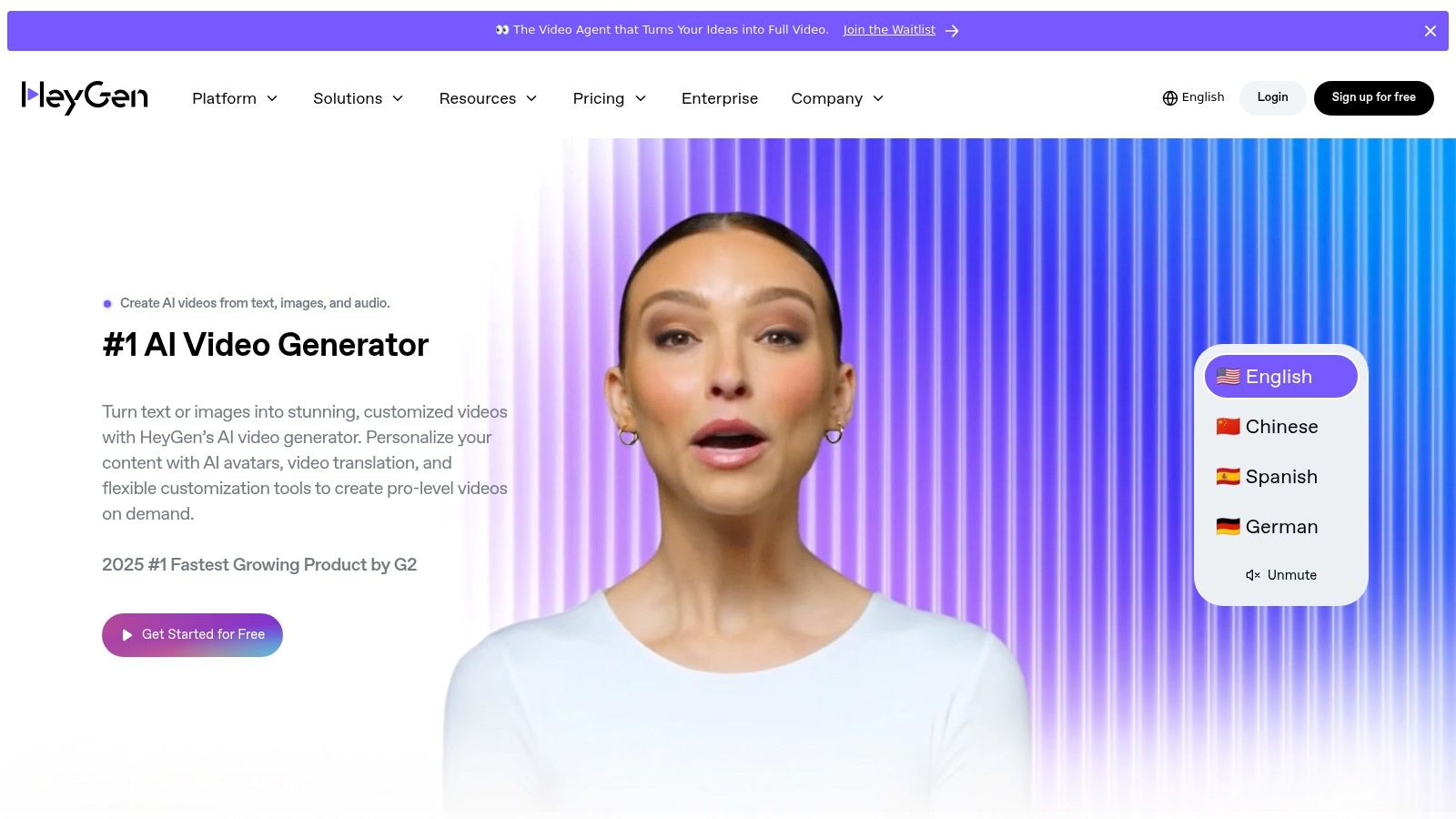
HeyGen carves out a niche in the AI video generator space by focusing on high-quality, avatar-driven presenter videos. It’s an ideal browser-based tool for creating professional-looking explainer, training, and marketing content without needing a camera or microphone. The platform excels at transforming text into speech, syncing it perfectly with a vast library of stock avatars or even a custom digital twin of yourself, making it a powerful solution for scalable, personalized video production.
Key Features and User Experience
HeyGen’s interface is remarkably intuitive, guiding users through selecting an avatar, inputting a script, and generating a video in minutes. Its free plan is a great entry point, offering one free credit (equivalent to a one-minute video) and allowing access to core features. The platform's strength lies in its diverse avatar library and impressive multi-language support, which can automatically translate and dub videos.
- Generation Models: Specialized in creating realistic talking head videos from text with lip-syncing technology.
- Credit System: The free plan provides 1 credit and allows 1 seat. Paid plans start at $24/month for more credits and premium features like watermark removal and brand kits.
- Use Cases: Perfect for corporate training modules, product explainer videos, personalized sales outreach, and educational content where a human presenter is beneficial.
- Limitations: The free version includes a watermark and has a 1-minute maximum video duration. It is not designed for cinematic or creative text-to-video generation like other tools.
Website: https://www.heygen.com
8. InVideo AI
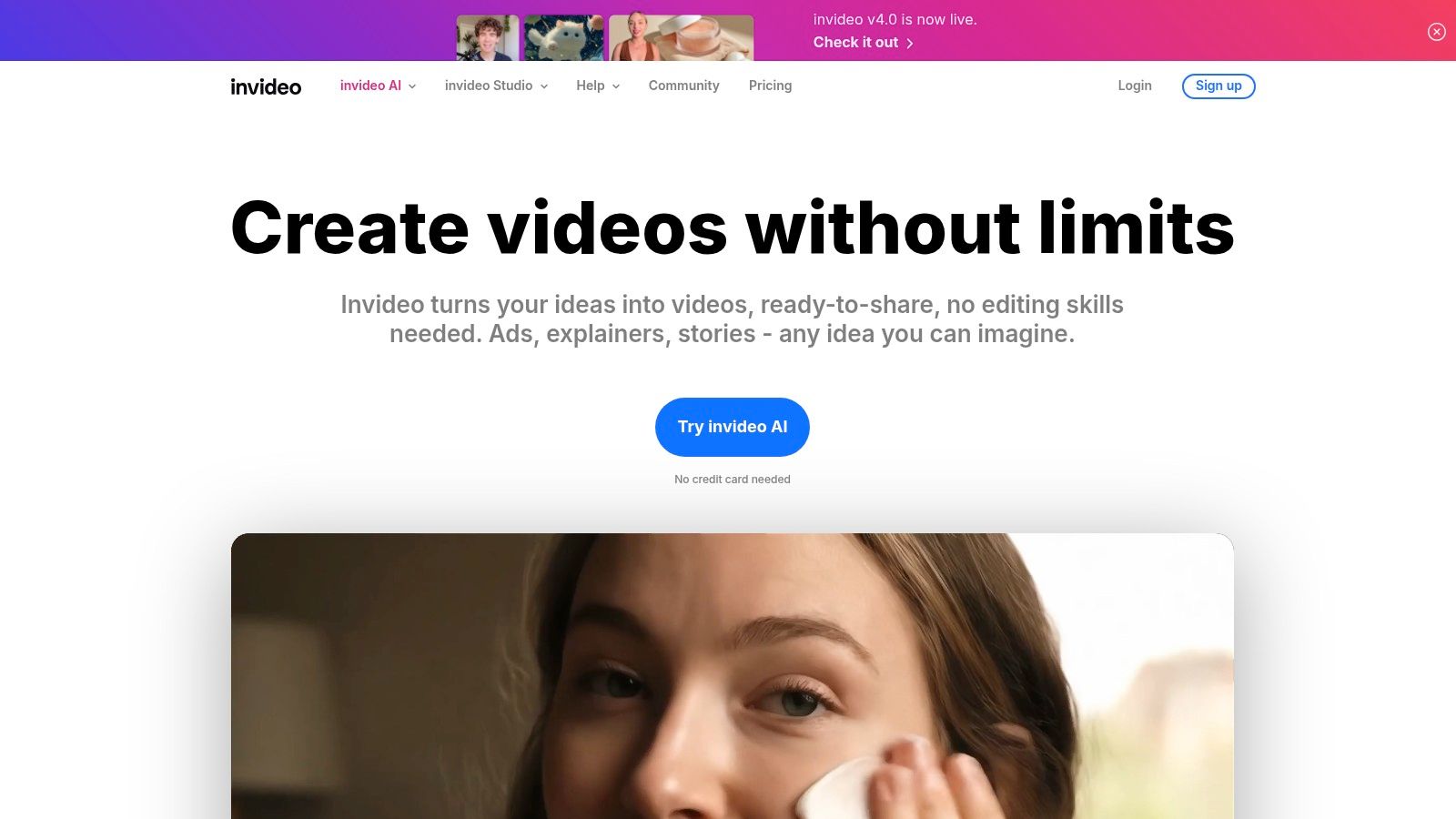
InVideo AI positions itself as a streamlined, workflow-driven ai video generator free for users focused on creating polished marketing and social media content quickly. Rather than open-ended cinematic generation, it uses a prompt-to-video system that assembles AI-generated scripts, realistic voiceovers, and relevant stock media into template-based videos. This makes it exceptionally efficient for creating ads, explainers, and YouTube Shorts without requiring deep video editing skills.
Key Features and User Experience
InVideo AI's interface is designed for speed and simplicity, guiding users through the creation process step-by-step from a single prompt. The free plan offers a generous amount of weekly AI generation minutes and stock media exports, although all videos will have a prominent watermark. Its key differentiator is the combination of an intuitive editor with a structured AI workflow, making it accessible on both desktop and mobile apps.
- Generation Model: A template-first approach that combines AI scripting, voiceovers, and stock media curation from a text prompt.
- Credit System: The free plan provides 10 minutes of AI generation per week and 4 exports with a watermark. Paid plans start at $20/month for more exports and no watermark.
- Use Cases: Perfect for creating social media ads, promotional videos for YouTube, TikTok content, and slideshow-style presentations for business.
- Limitations: The free version has a significant watermark and limited access to premium stock media, making it best for testing before committing to a paid plan.
Website: https://invideo.io/ai
9. VEED
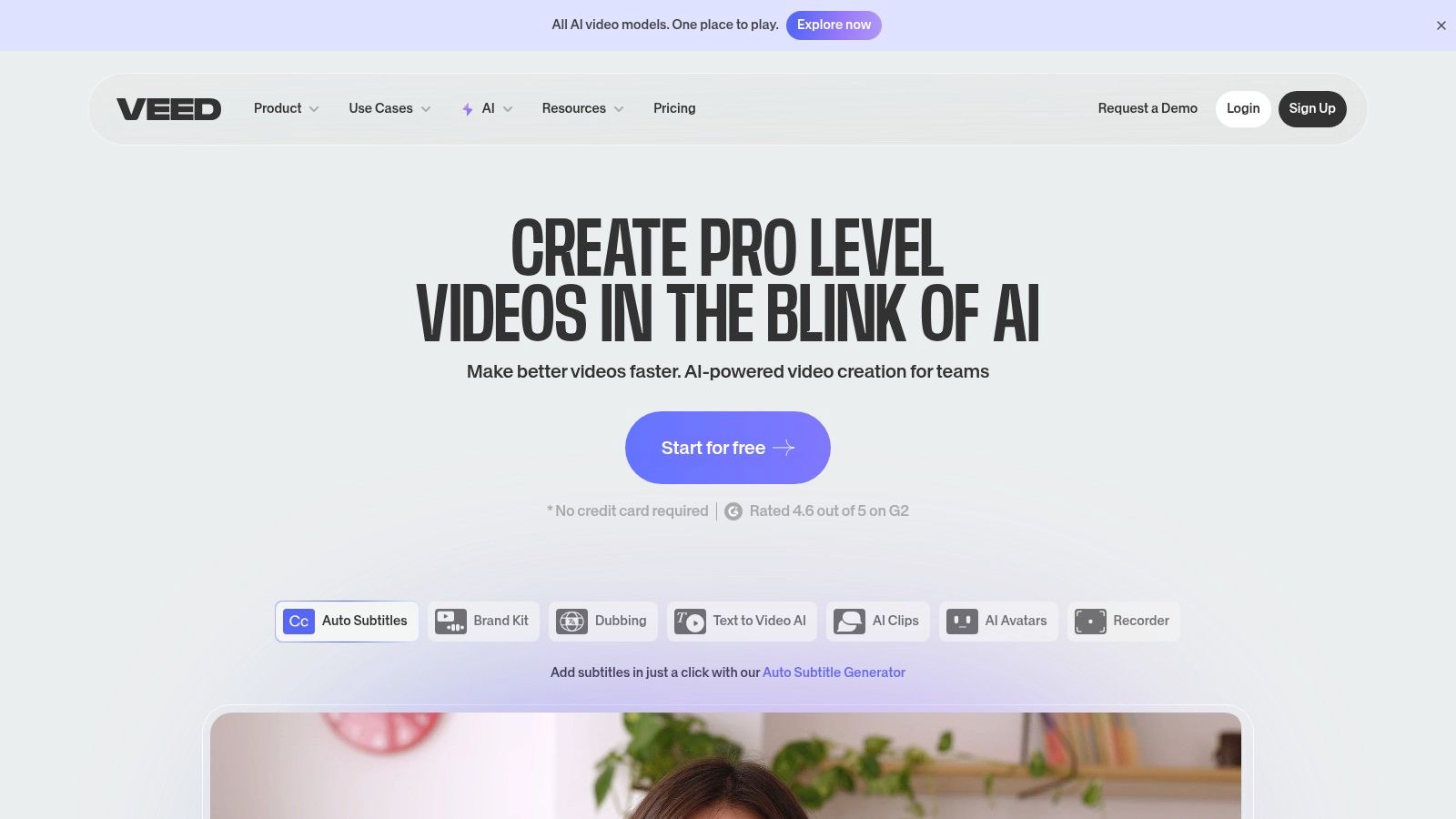
VEED positions itself as a comprehensive online video editor supercharged with AI capabilities, rather than just a standalone AI video generator free for initial use. It’s particularly effective for marketing teams and creators who need to quickly repurpose content. Its strength lies in combining a user-friendly editing timeline with powerful AI tools for tasks like text-to-video creation, automatic subtitling, and translation, making it a go-to for social media content.
Key Features and User Experience
VEED offers a clean, intuitive interface that is welcoming to non-editors. The free tier provides a good starting point to test its core editing and AI subtitling features, though videos will have a watermark. For businesses, the platform's paid plans unlock collaboration tools and a brand kit to maintain consistency across all video content. Its AI dubbing and avatar features are powerful but are generally reserved for higher-tier subscriptions.
- AI-Powered Tools: Includes text-to-video generation, AI dubbing, and exceptionally accurate auto-subtitles with translation capabilities.
- Pricing Model: A functional free tier is available for basic use; paid plans start from around $12/month (billed annually) to remove watermarks and unlock advanced AI features.
- Use Cases: Best suited for creating social media marketing videos, adding subtitles to existing content for accessibility, and repurposing long-form videos into short clips.
- Limitations: The most compelling AI features, like avatars and advanced text-to-video options, are gated behind paid plans. The free plan has export limits and watermarks.
Website: https://www.veed.io
10. Microsoft Clipchamp
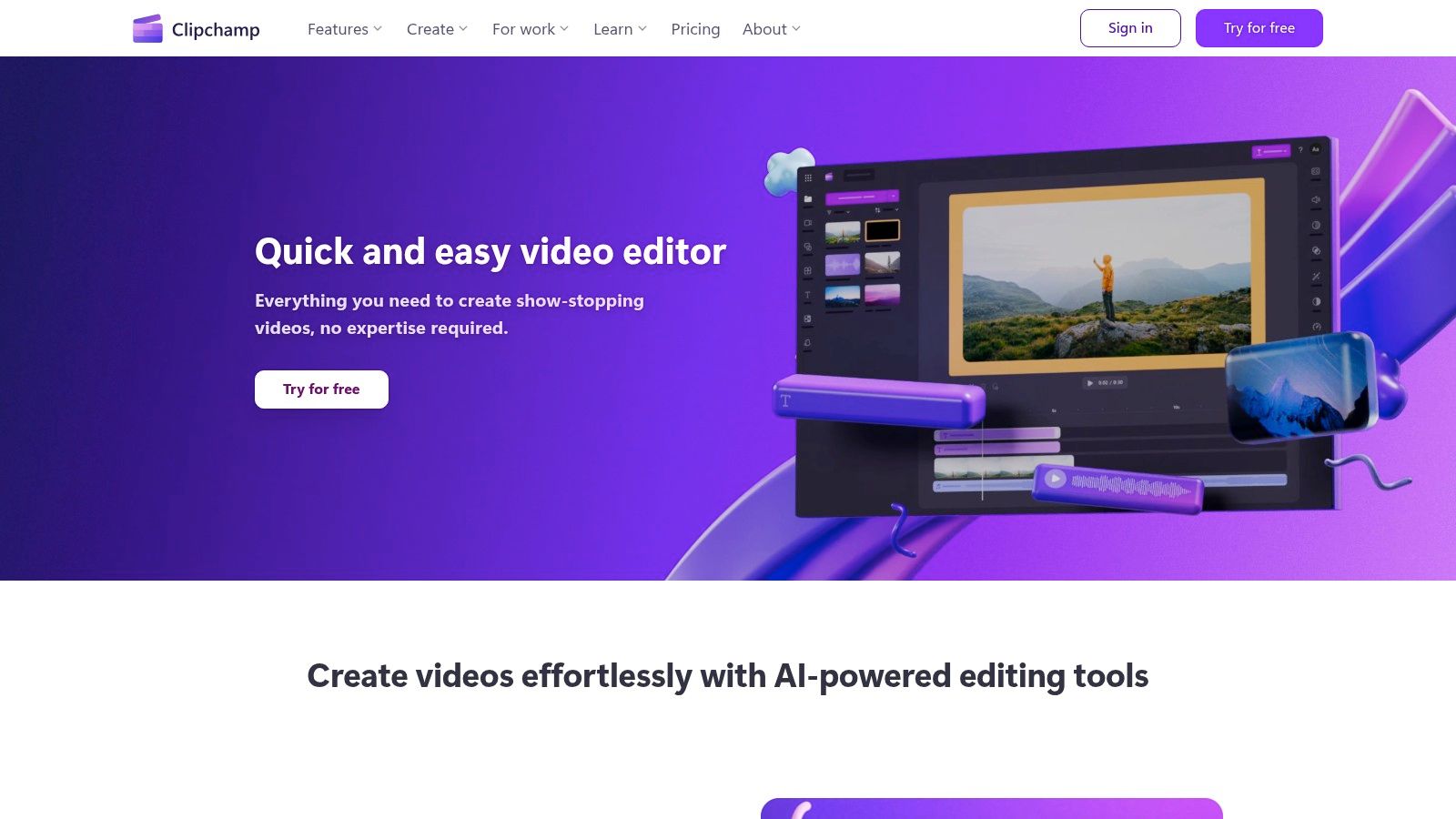
Microsoft Clipchamp carves out a unique space as less of a pure text-to-video generator and more of an AI-enhanced video editor. It excels at streamlining the traditional editing process with intelligent features like auto composition, which assembles clips, images, and audio into a cohesive video. This makes it an ideal free AI video generator for users who have existing media and need a polished final product for business presentations, educational content, or social media updates without a steep learning curve.
Key Features and User Experience
Clipchamp’s interface is remarkably user-friendly, feeling familiar to anyone who has used a basic video editor. Its free plan is one of the most generous available, offering watermark-free exports in crisp 1080p resolution. The AI-powered text-to-speech feature, supporting over 80 languages, is a significant asset for creating accessible content. Seamless integration with Microsoft 365 and OneDrive also simplifies asset management for those within the ecosystem.
- AI Editing Tools: Features AI auto composition to arrange your media, plus tools like background removal and a speaker coach to refine your presentation.
- Generous Free Tier: The free plan allows unlimited watermark-free exports at up to 1080p resolution, a rare find among competitors.
- Use Cases: Perfect for creating professional-looking marketing videos, corporate training materials, and quick social media content from existing assets.
- Limitations: It is not a true prompt-to-video platform for generating cinematic scenes from scratch; its AI assists the editing process rather than creating content.
Website: https://clipchamp.com
11. Kaiber (Superstudio)
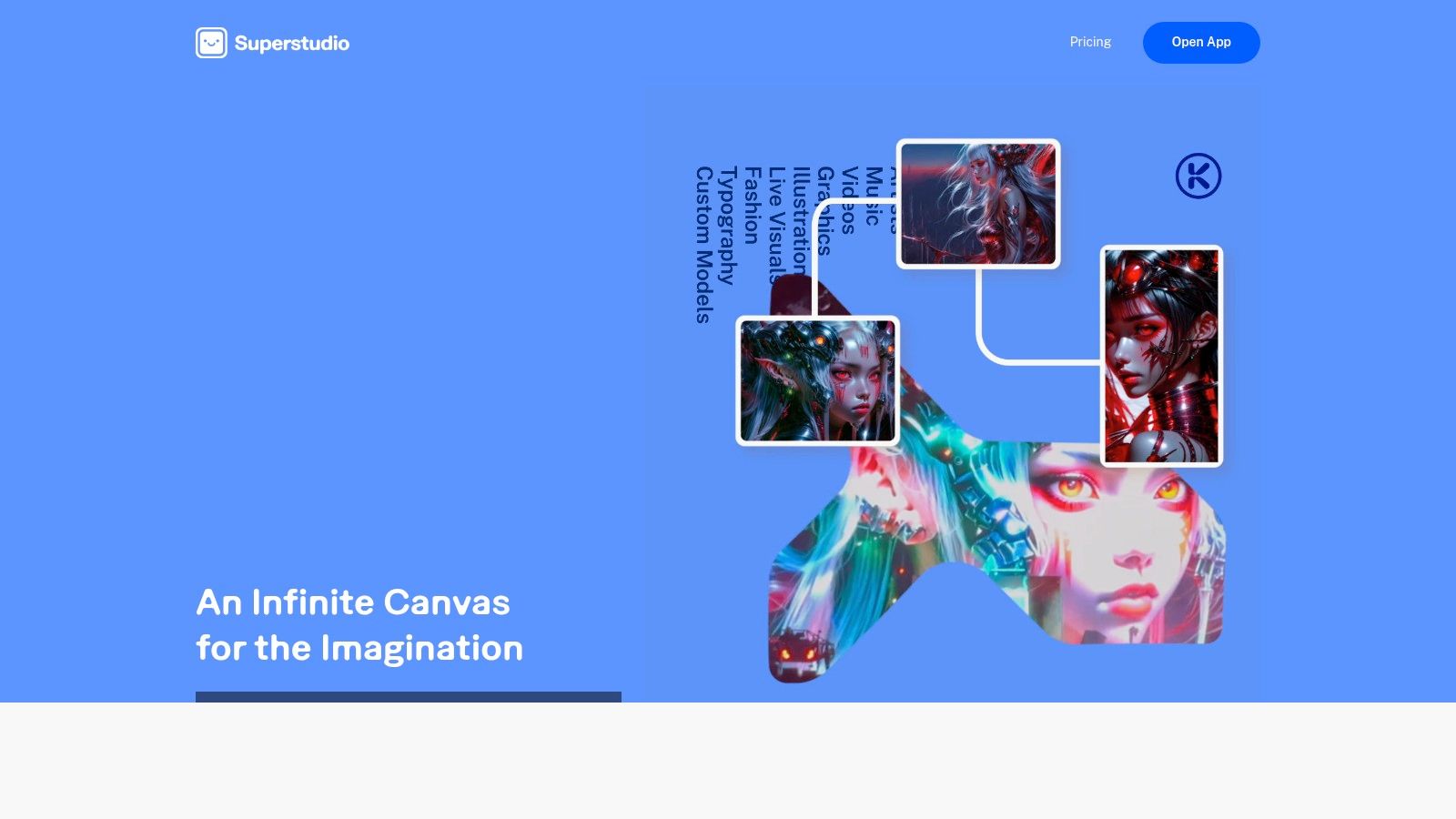
Kaiber establishes itself as a flexible AI video studio with a unique, credit-based system that appeals to users seeking low-commitment options. It’s a strong AI video generator free for initial testing, offering multiple generation models for transforming images or creating visuals from text prompts. Kaiber is particularly well-suited for artists, musicians, and creators who want to experiment with different visual styles without subscribing to a costly monthly plan.
Key Features and User Experience
The platform’s standout feature is its pricing flexibility, including a $5 trial and an $8 Day Pass that grants 500 credits for 24 hours of use. This makes it an accessible entry point for one-off projects or intense creative sessions. The user interface is straightforward, guiding users through selecting a model (like Transform or Motion) and inputting their prompts or source files. The free trial includes a small number of credits but is enough to test the core functionality.
- Generation Models: Features multiple AI video models including Transform, Motion, and Flipbook to create varied styles.
- Credit System: Paid plans like the Explorer ($5/month) offer roll-over credits, while options like the Day Pass provide affordable, short-term access.
- Use Cases: Excellent for creating animated music visuals, unique social media content, and artistic shorts with its distinctive visual flair.
- Limitations: The free trial offers very limited credits, and all free outputs are watermarked and restricted to non-commercial use. The credit cost per video can feel complex for beginners.
Website: https://kaiber.ai
12. Lumen5
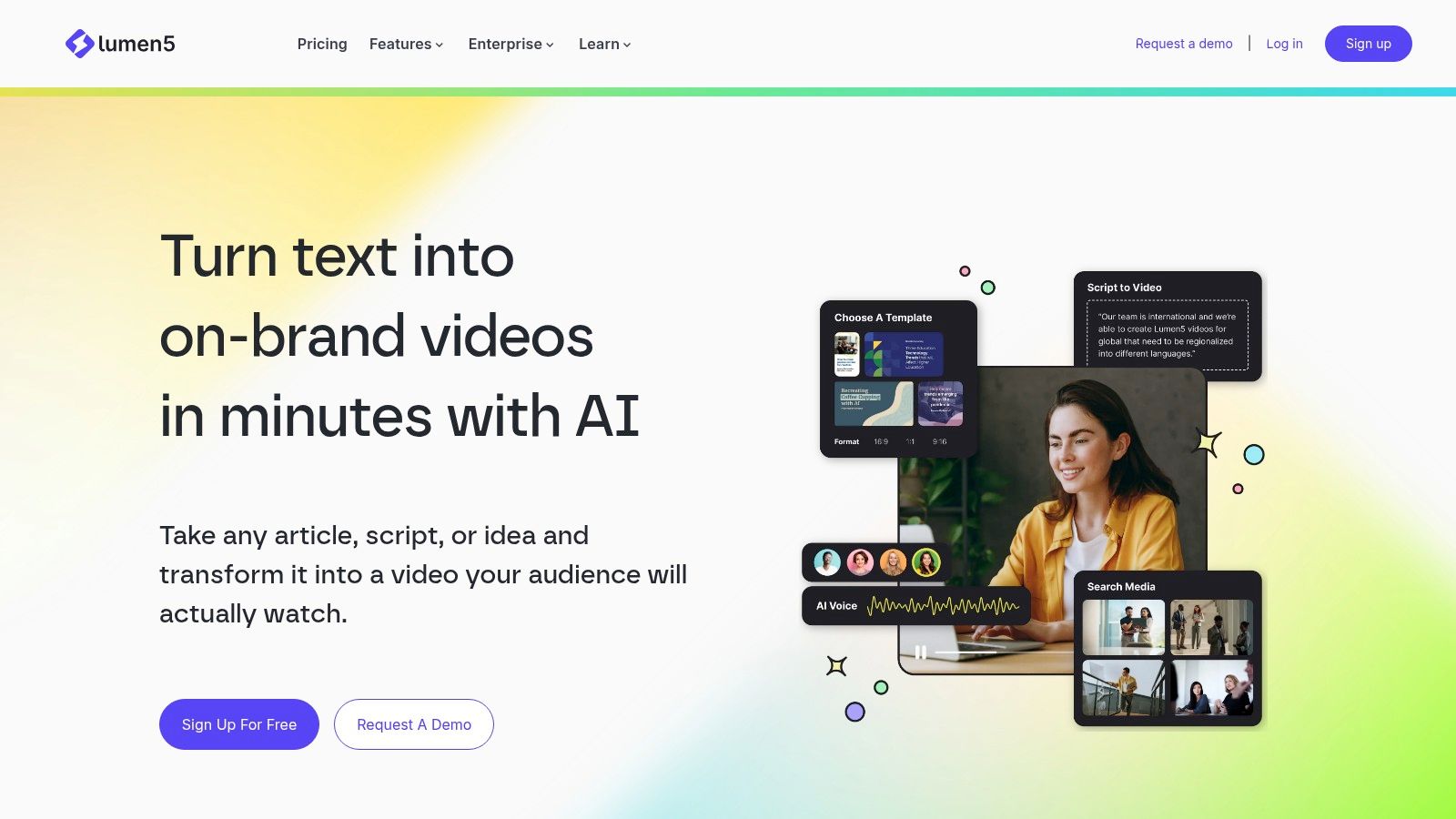
Lumen5 is a specialized AI video generator free for community use, designed to transform text-based content like blog posts and scripts into engaging social videos. It excels at automating the creation process by analyzing text, suggesting relevant stock footage and images, and synchronizing it with AI narration and music. This makes it an invaluable tool for marketers, bloggers, and businesses looking to repurpose written content into a video format quickly and efficiently.
Key Features and User Experience
Lumen5’s platform is built for speed and simplicity, guiding users through a template-driven workflow that requires minimal video editing experience. The free "Community" plan is a great starting point, allowing users to create unlimited videos with a Lumen5 watermark and outro. The AI intelligently matches your text to visuals from its extensive media library, significantly cutting down on production time.
- Generation Models: Utilizes AI for script-to-video conversion, automatically selecting visuals and timing them to text.
- Credit System: The free plan is unlimited but watermarked. Paid plans start at $29/month to remove branding, access premium stock media, and enable 1080p resolution.
- Use Cases: Perfect for turning articles into summary videos, creating social media marketing content, and developing quick informational or educational clips.
- Limitations: The free version includes a prominent Lumen5 outro and branding. Advanced features, premium stock assets, and AI voiceovers are restricted to paid subscriptions.
Website: https://lumen5.com
What Is the Best Free AI Video Generator in 2025?
The best free AI video generator in 2025 is Veo 3 by Google DeepMind, available through Google Gemini Advanced. It generates up to 8-second HD videos from text prompts or images, with native audio generation — making it the most complete free AI video tool available.
Other top free AI video generators include:
- Kling AI — strong motion quality, generous free tier
- Runway Gen-4 — great for artistic styles
- Pika 2.1 — user-friendly with fast generation
- HailuoAI — excellent free tier for HD video
How to Use a Free AI Video Generator Without Paying?
Here's how to generate AI videos for free using the top platforms:
Veo 3 (recommended):
- Visit gemini.google.com
- Sign in with your Google account
- Type a video prompt or upload an image
- Select Veo 3 from the model dropdown
- Click generate — your video is ready in ~30 seconds
Kling AI:
- Visit klingai.com
- Sign up (free)
- Choose text-to-video or image-to-video
- Write your prompt and generate
Is Veo 3 Really Free? What Are the Limits?
Yes — Veo 3 is free with limits:
- Google Gemini (free): Limited generations per day
- Gemini Advanced ($19.99/mo): Higher resolution, longer clips, priority access
- Google AI Studio: Free API access with rate limits for developers
- Google Flow: Free creative studio powered by Veo 3
For casual creators, the free tier is sufficient for testing and sharing on social media. For production use, Gemini Advanced is the best value.
AI Video Generator Tools Comparison
| Platform | Core Features/Capabilities | User Experience & Quality ★ | Value Proposition & Pricing 💰 | Target Audience 👥 | Unique Selling Points ✨ |
|---|---|---|---|---|---|
| 🏆 Veo3 AI | Text/image-to-video with 3 integrated models; customizable resolution & format | Rapid rendering; intuitive UI ★★★★☆ | Free; full content ownership 💰 | Marketers, creators, educators, SMBs 👥 | All-in-one; seamless integration; security |
| Runway (Gen-3/Gen-4) | Gen-3/4 text & image video generation; API; credit-based pricing | High fidelity output ★★★★☆ | Pay-per-credit; transparent pricing 💰 | Professionals, educators 👥 | Industry-grade control; developer API |
| Pika (Pika.art) | Text/image video; creative effects toolkit; no watermark free tier | User-friendly; quick generation ★★★★☆ | Free no-watermark downloads; credit tiers 💰 | Casual creatives, influencers 👥 | Extensive creative toolset; free commercial use |
| Luma AI — Dream Machine | Text/video-to-video; reframing/upscaling; multi-plan credits | Transparent pricing per sec; active dev ★★★☆☆ | Free images only; paid video plans | Advanced users, pros 👥 | Video upscaling; video-to-video option |
| Kapwing — AI Video Generator | AI video generation up to 5 min free; collaboration, templates | Easy for social teams ★★★☆☆ | Free with watermarks; Pro/Business paid tiers 💰 | Social media teams, marketers 👥 | Collaboration; rich editing tools |
| Canva — Create a Video Clip (Veo 3) | 8-sec AI clips with synced audio; integrated editing | Smooth workflow ★★★★☆ | Paid plans only; limited generations/month | Marketing, social teams 👥 | Google Veo 3 powered; brand kit integration |
| HeyGen | Avatar-driven videos; multi-language TTS; templates | Fast output; avatar catalog ★★★☆☆ | Free limited plan; paid plans remove watermarks | Sales, training, explainer videos 👥 | Extensive avatar library; multi-language |
| InVideo AI | Prompt-to-video for ads & shorts; mobile apps | Template-based; strong support ★★★☆☆ | Free tier with watermark; paid for full AI features | Marketers, social creatives 👥 | Mobile friendly; strong customer support |
| VEED | Text-to-video, dubbing, auto-subtitles; brand kits | User-friendly for non-editors ★★★☆☆ | Free tier for testing; Pro plans for AI features | Marketing, non-editors 👥 | Collaboration; frequent promotions |
| Microsoft Clipchamp | AI auto composition; 80+ languages TTS; 1080p free exports | Simple, fast editing ★★★★☆ | Free 1080p; premium 4K & assets paid | Business, educators 👥 | MS ecosystem integration; voiceovers |
| Kaiber (Superstudio) | Prompt-to-video; multi-models; credit roll-over; trials | Flexible pricing ★★★☆☆ | Day passes/trials; paid roll-over credits | Experimenters, pros 👥 | Multiple AI modes; affordable trials |
| Lumen5 | Script-to-video; AI voiceovers; stock media & templates | Mature & reliable ★★★☆☆ | Free forever plan with branding; paid 1080p & premium media | Businesses, content creators 👥 | Script workflow; AI voiceovers |
Choosing Your Next Creative Partner: Final Thoughts on Free AI Video Tools
The landscape of free AI video generators is more dynamic and accessible than ever before. Throughout this guide, we've explored a diverse array of platforms, each offering a unique gateway into the world of automated video creation. From the cinematic prowess of Runway and Luma AI's Dream Machine to the user-friendly, template-driven approach of Canva and InVideo AI, the options are vast and cater to a wide spectrum of creative and professional needs.
The central theme is clear: the term 'free' no longer implies a severely limited or low-quality experience. Many of the tools we've covered, like Veo3 AI, Pika, and Kapwing, provide robust features within their free tiers, making high-quality video production a reality for creators, marketers, and small businesses without a significant budget. The key is understanding that each platform has its own distinct strengths and is engineered for specific outcomes.
Finding Your Perfect AI Match
Selecting the right ai video generator free tool is less about finding a single "best" option and more about aligning a platform's capabilities with your specific project goals. Your ideal choice hinges on what you value most.
- For Cinematic & Artistic Vision: If your goal is to create visually stunning, near-photorealistic, or highly artistic clips from text prompts, tools like Luma AI's Dream Machine, Runway, and Pika are your top contenders. Their free offerings provide a direct line to cutting-edge generative models.
- For Marketing & Social Media: For digital marketers and influencers needing to produce promotional content or social shorts quickly, platforms like InVideo AI, VEED, and Canva are invaluable. Their strength lies in combining AI generation with templates, stock media libraries, and easy-to-use editing interfaces.
- For Presentations & Training: When the focus is on creating avatar-led presentations or educational content, HeyGen stands out with its realistic avatars and voice cloning features. It's a specialized tool that excels in its niche.
- For All-in-One Utility: If you need a versatile workhorse that combines text-to-video with a full suite of editing features like subtitles, screen recording, and text-to-speech, Microsoft Clipchamp and Kapwing offer comprehensive solutions that are incredibly practical for everyday use.
Your Actionable Next Steps
The most critical takeaway is the importance of hands-on experimentation. The free tiers and trial credits offered by these platforms are your personal sandbox for innovation. Don't hesitate to dive in and test the same prompt across multiple generators to see how their interpretations differ. This practical experience is the fastest way to understand each tool's unique personality, its strengths, and its limitations.
As you move forward, keep a close eye on your generated content for consistency, quality, and any telltale AI artifacts. Always factor in the platform's watermarking policy and export resolution limits, as these can be significant considerations for professional projects. By actively engaging with these tools, you are not just creating a video; you are building a valuable skill set that will keep you at the forefront of the rapidly evolving digital content landscape. The future of video is here, and with these free AI generators, you have everything you need to start creating today.
Ready to experience a powerful, all-in-one AI video solution? Veo3 AI combines advanced text-to-video generation with intuitive editing tools, offering one of the most generous free plans available. Start creating professional-quality videos in minutes by visiting Veo3 AI and unlocking your creative potential today.
Article created using Outrank
Our Verdict
The free ai video generator free tools available in 2025 are genuinely capable and suitable for casual users and those just getting started. For regular or professional use, upgrading to a paid plan is worthwhile for the extra quality, resolution, and generation capacity. We recommend starting with the free tier of our top-ranked pick to experience the platform before investing.
Related Articles
Continue with more blog posts in the same locale.

Veo 3 Free Unlimited Access: How to Get the Most Generations Without Paying
Complete guide to getting free Veo 3 access in 2026. AI Studio quota, Google One trial, tips to maximize free generations.
Read article
What is Google Veo 4?
Complete overview of Google Veo 4 AI video generator features, capabilities, and improvements over Veo 3.
Read article
Veo 3 Lite Review 2026: Is Google's Free Tier Worth Using?
Honest review of Google Veo 3 Lite. Capabilities, limitations, comparison with full Veo 3 and alternatives like Seedance 2.0. Who should and should not use it.
Read article